Best Skin Retouching Software for Photographers 2026
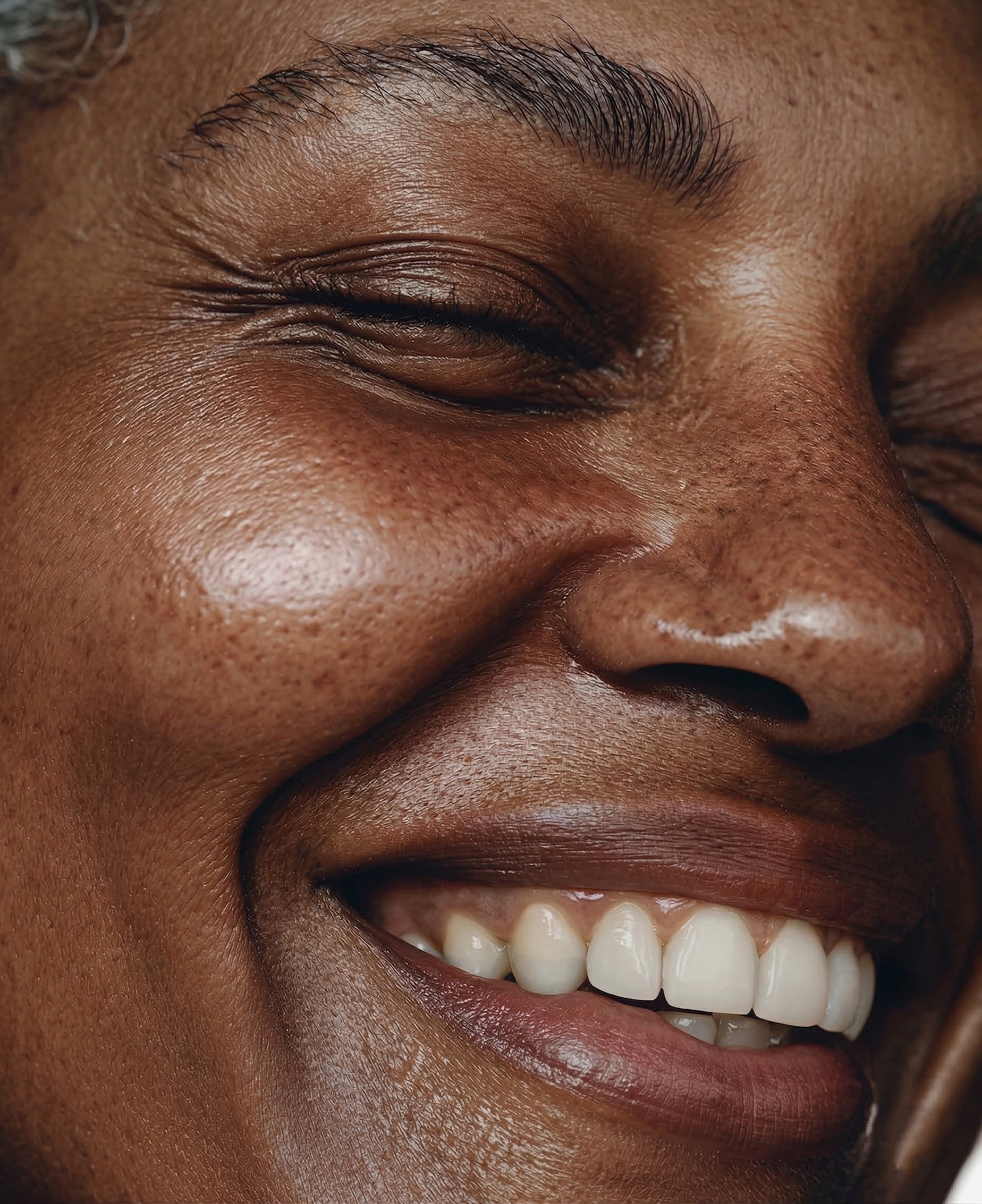 BEFORE
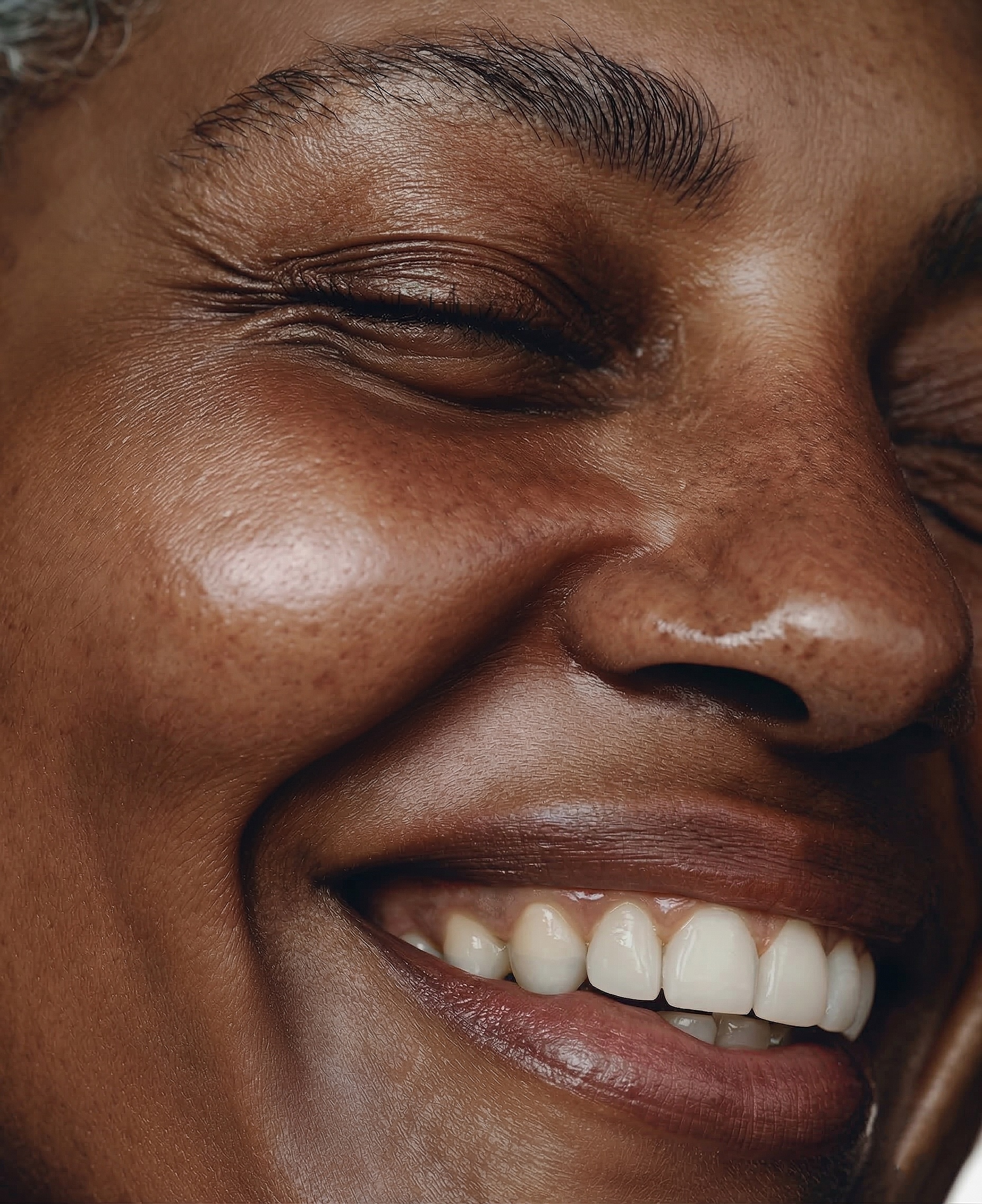 AFTER · 30s
Good skin retouching software does three things: it's fast, it keeps skin real, and it doesn't cost a fortune. Most tools nail one. Here's how the main options compare.
The Rankings
Brush-based plugin combining frequency separation, dodge & burn and tone evening in one tool. You control where it works; texture stays real; about 30 seconds per photo. Best value by far.
Fast automatic AI, but you get no control over where it retouches. Two of its plugins are free; the rest come as a paid bundle or a yearly plan.
Impressive auto retouching, but per-image credits add up fast and it sits outside Photoshop.
Established and batch-friendly, but slider-based and prone to the plastic look on close-ups.
Free with Photoshop. Fine for the occasional photo, inconsistent across a gallery.
Try the #1 Pick Free
Frequency separation, dodge & burn and tone evening in one brush-based tool. Natural skin in 30 seconds.
GET SKIN PRO — €39 →Frequently Asked Questions
What is the best skin retouching software in 2026?
For most photographers, RetouchLab Skin Pro — it combines speed, natural skin and the lowest price of the serious options.
Is paid retouching software worth it over free tools?
If you shoot regularly, yes. The time saved on one gallery usually covers the cost.
What's the cheapest professional skin retouching software?
RetouchLab at €79 lifetime is the cheapest serious tool — most competitors cost $200–$500.
Try the #1 Pick Free
Frequency separation, dodge & burn and tone evening in one brush-based tool. Natural skin in 30 seconds.
GET SKIN PRO — €39 →See it work → try the free live demo