Frequency Separation vs Dodge & Burn - What's the Difference?
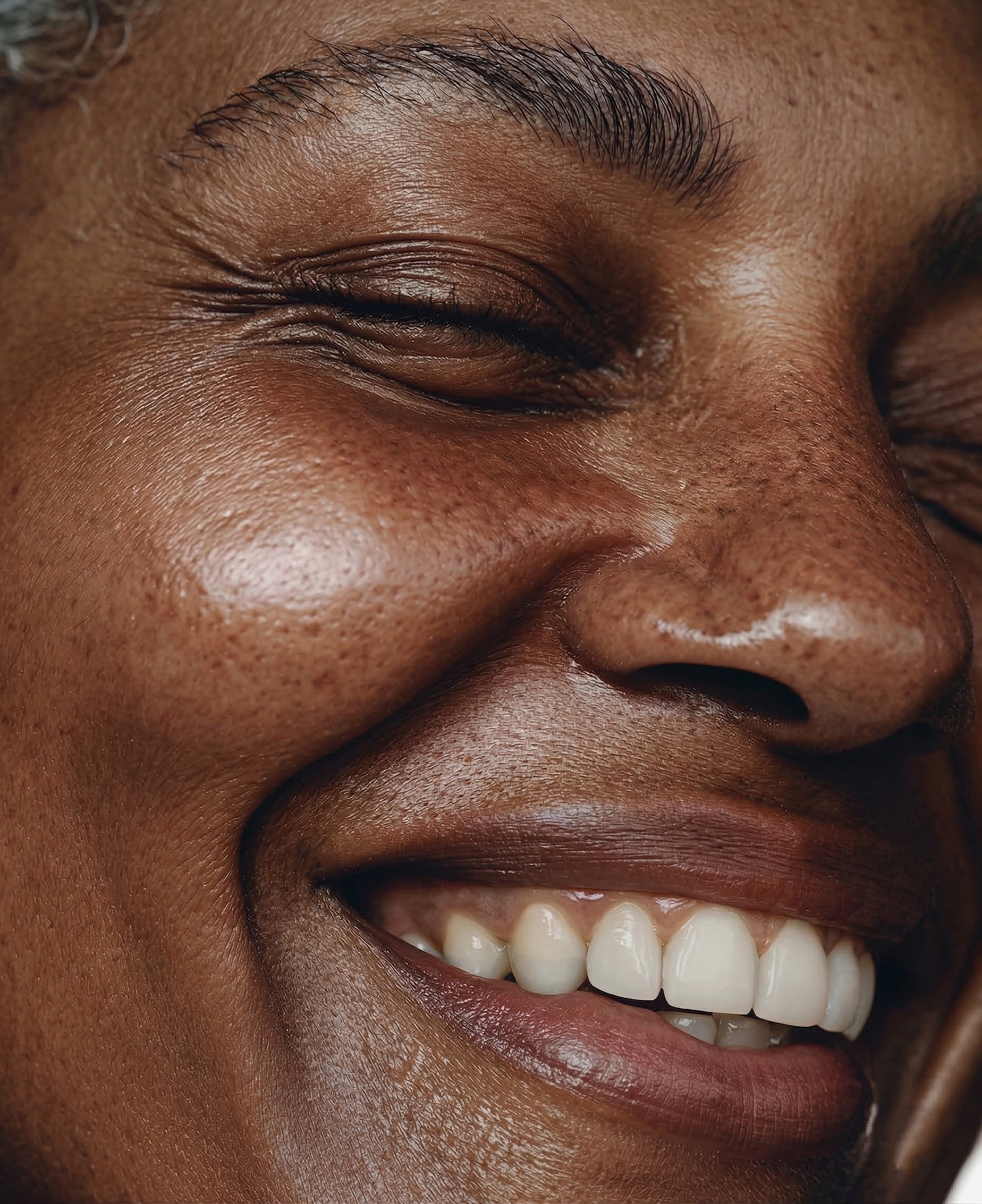
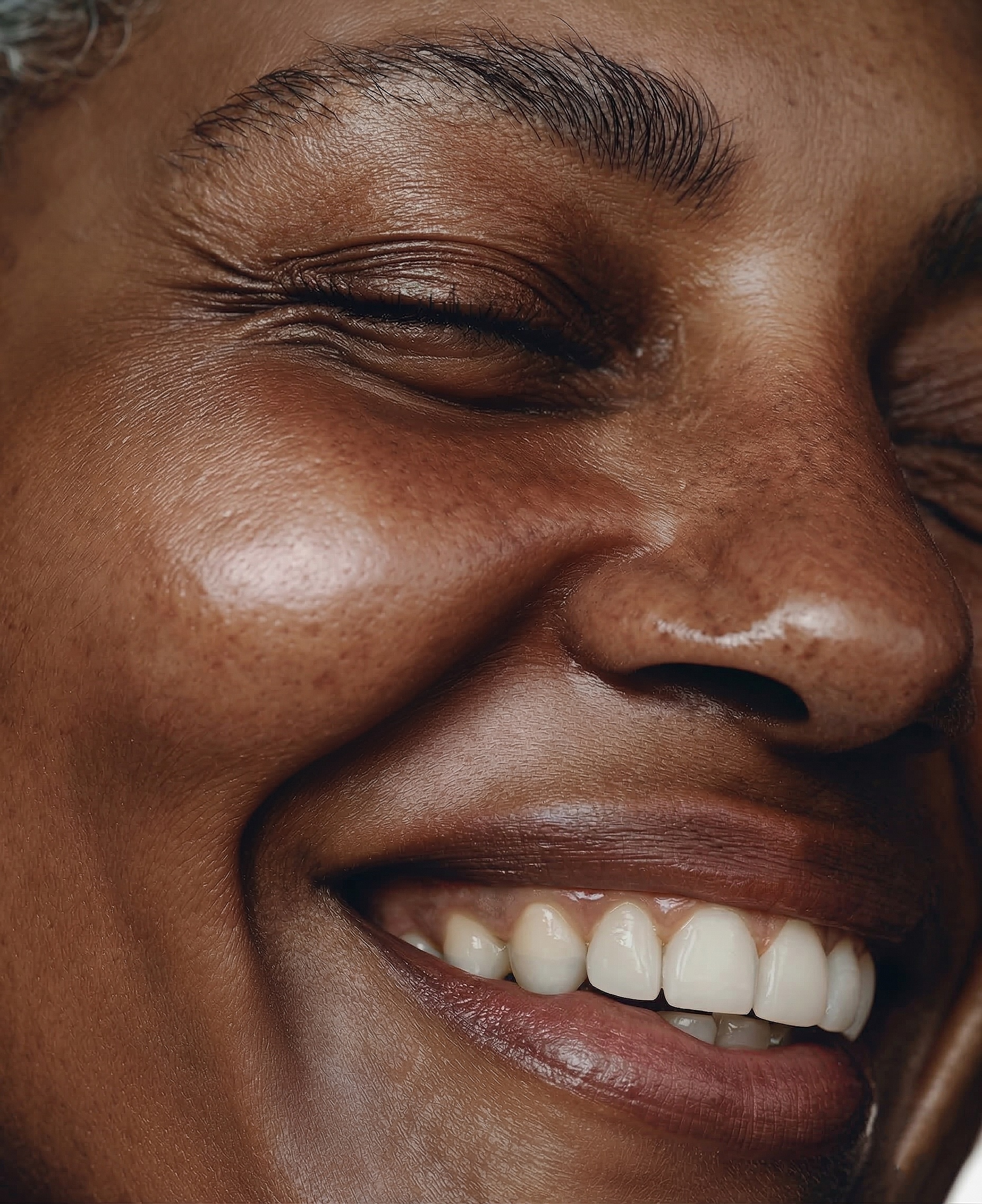
When you start learning professional skin retouching, two techniques come up constantly: frequency separation and dodge & burn. Many photographers wonder which one to use - and the answer is both, but for different things. Here's a clear breakdown.
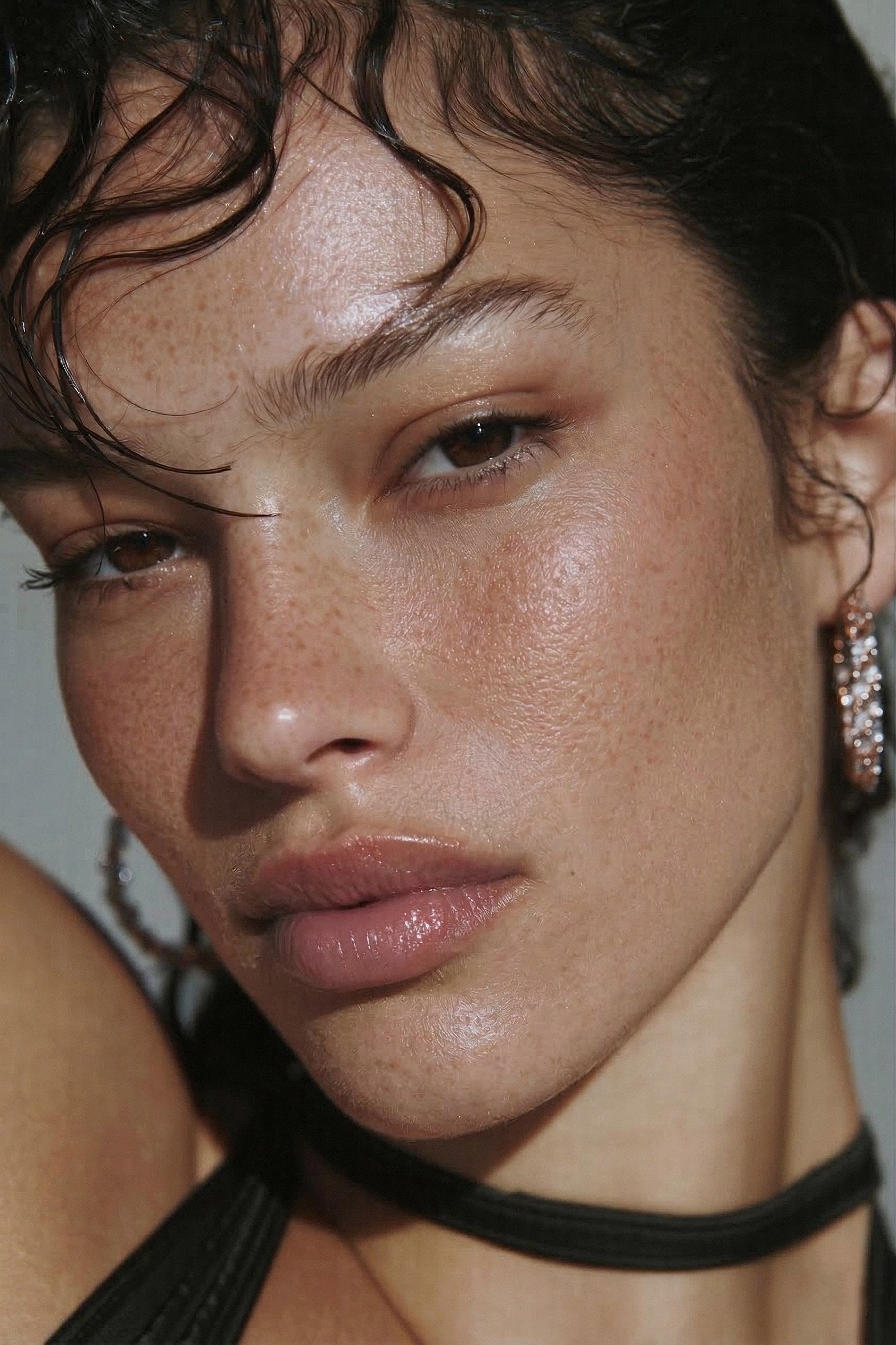 BEFORE
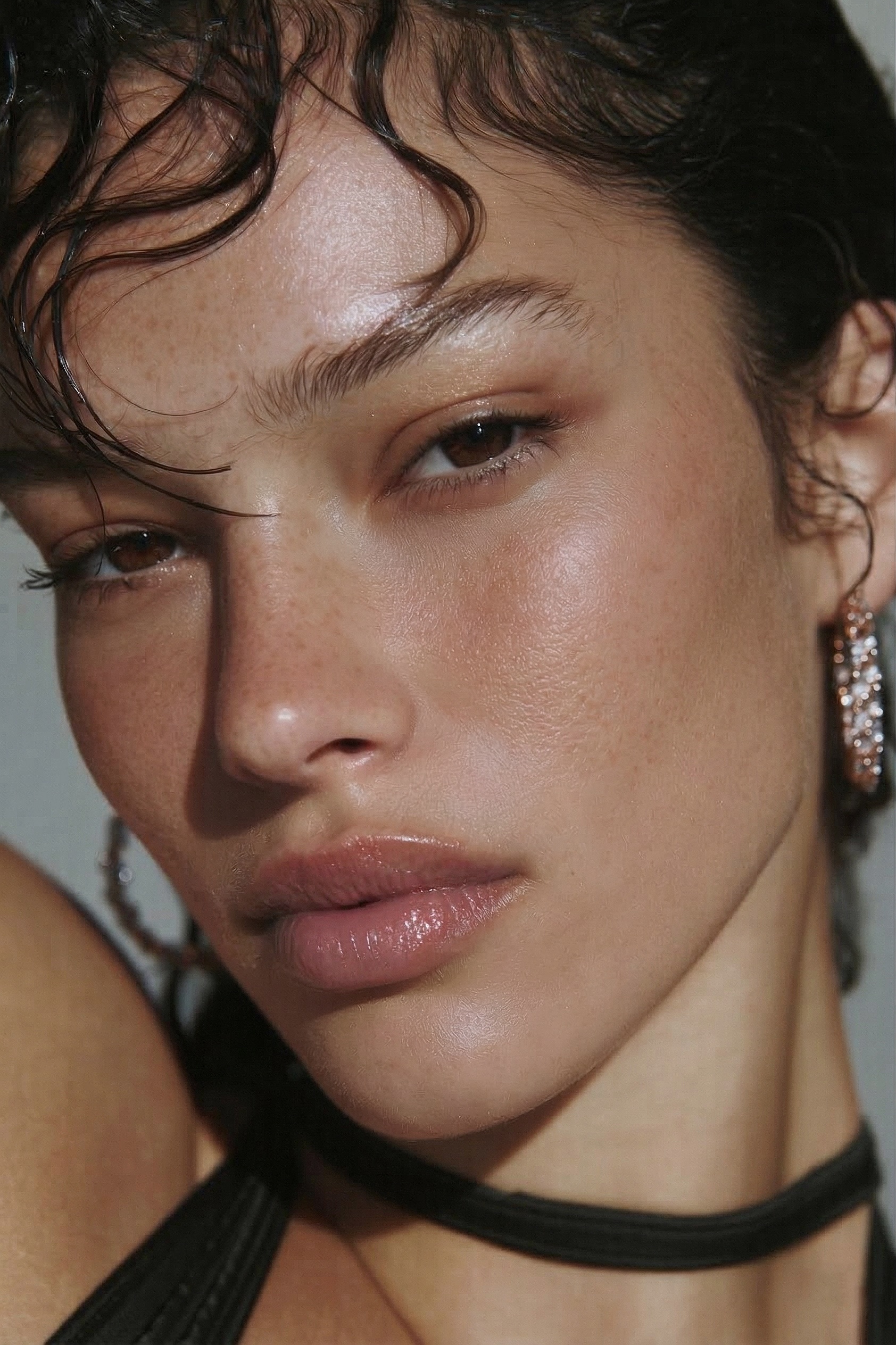 AFTER · 30s
⚡ Both techniques, one brush
You don't have to choose — or spend 20+ minutes per photo. The hack: RetouchLab Skin Pro does frequency separation AND dodge & burn AND tone evening in one brush (~30 seconds, texture kept). Read the comparison below, or skip to the tool that does both.
FREE 3 DAY TRIAL →What is Frequency Separation?
Frequency separation splits your image into two layers: a texture layer (high frequency - pores, fine lines, skin grain) and a color/tone layer (low frequency - skin color, shadows, uneven tone). You retouch each layer independently.
On the tone layer you smooth out redness, blotchy skin, and uneven color. On the texture layer you fix specific blemishes and imperfections. Because the texture stays on a separate layer, the skin still looks completely real after retouching.
Best used for:
- Uneven skin tone - redness, blotchiness, color variation across the face
- Overall skin smoothing - making the skin look more even without losing texture
- Removing specific blemishes - on the texture layer with healing brush
- Any portrait that needs to look natural - the gold standard technique
What is Dodge & Burn?
Dodge & burn is a technique borrowed from darkroom photography. Dodging means lightening specific areas. Burning means darkening them. In digital retouching, you use it to even out the light and shadow distribution across the skin.
Human skin under studio or natural light always has uneven shadows and highlights - reflections off the nose, dark shadows under the eyes, uneven cheekbones. Dodge & burn subtly redistributes this light so the skin looks three-dimensional but even.
Best used for:
- Uneven shadows and highlights - nose reflections, under-eye shadows, forehead highlights
- Skin that looks flat or over-lit - adds dimension back
- After frequency separation - as a final polish step
- Commercial and editorial portraits - where lighting perfection matters
The Key Difference
Frequency Separation
- Works on skin color and tone
- Fixes redness, blotchiness
- Removes blemishes
- Preserves texture
- Foundation of skin retouching
Dodge & Burn
- Works on light and shadow
- Evens out highlights and shadows
- Adds or removes dimension
- Works on top of FS
- The finishing polish
Frequency separation is like applying foundation - it evens out the skin tone and removes imperfections. Dodge & burn is like contouring - it shapes the light and shadow to make the face look its best. You need both for a complete professional retouch.
Do You Need Both?
For professional portrait retouching - yes. Frequency separation alone can make skin look flat because it doesn't address the light distribution. Dodge & burn alone can't fix uneven skin tone or blemishes. Together they cover everything.
Quick session portraits: Frequency separation only - 80% of the result in 50% of the time.
Wedding portraits, bridal prep: Both - full FS + D&B for polished, print-ready results.
Editorial, commercial: Both, with heavy D&B - high-end clients expect lighting perfection.
How Long Does Each Take?
Done manually in Photoshop, frequency separation takes 20–35 minutes per photo and dodge & burn adds another 10–20 minutes. Combined: 30–55 minutes per photo. For a wedding with 200 photos to retouch, that's 100+ hours.
That's why most photographers either skip D&B entirely, rush frequency separation, or outsource. None of those are great.
A Faster Way to Do Both
RetouchLab Skin Pro combines frequency separation and dodge & burn (plus tone evening) into a single Photoshop brush. You paint over the skin and all three techniques apply simultaneously - with 7 adjustable parameters to control the balance. The whole process takes 20–60 seconds per photo instead of 30–55 minutes.
Frequency separation + dodge & burn in one brush
RetouchLab Skin Pro - 7 adjustable parameters, real-time preview, natural skin texture. From €39.
FREE 3 DAY TRIAL →Both Techniques, One Brush
RetouchLab combines frequency separation, dodge & burn, and tone evening into a single brush — no switching, about 30 seconds per photo.
FREE 3 DAY TRIAL →Frequently Asked Questions
Should I learn frequency separation or dodge and burn first?
Start with frequency separation - it fixes tone and texture, which most photos need. Add dodge and burn once you want to shape light and contours.
Can you use frequency separation and dodge and burn together?
Yes, and most high-end retouchers do. Frequency separation evens the skin, dodge and burn sculpts the light. They solve different problems.
Which is better for beginners?
Frequency separation - it is more mechanical and forgiving. Dodge and burn takes a better eye for light and more time to master.
Is dodge and burn necessary for portraits?
Not always. For natural, everyday portraits frequency separation is often enough. Editorial and beauty work usually wants both.
What is the fastest way to do both?
A brush-based plugin applies frequency separation and dodge and burn together in under a minute, instead of 30 to 55 minutes by hand.
Should I use frequency separation or dodge and burn?
Both, because they do different jobs. Frequency separation evens tone and removes blemishes; dodge and burn shapes light and adds dimension. Professionals use them together.
Which is faster, frequency separation or dodge and burn?
Frequency separation is faster for overall tone; dodge and burn is slower and more detailed. A plugin that combines both is faster than either done manually.
Can I do frequency separation and dodge and burn in one tool?
Yes. RetouchLab combines frequency separation, dodge and burn, and tone evening into one brush, so you do not switch between techniques.
Which is better for skin retouching?
Neither alone. Use frequency separation for tone and blemishes and dodge and burn for dimension. The best results come from both, which is why one combined brush is so much faster.