Can You Retouch Skin in Lightroom?
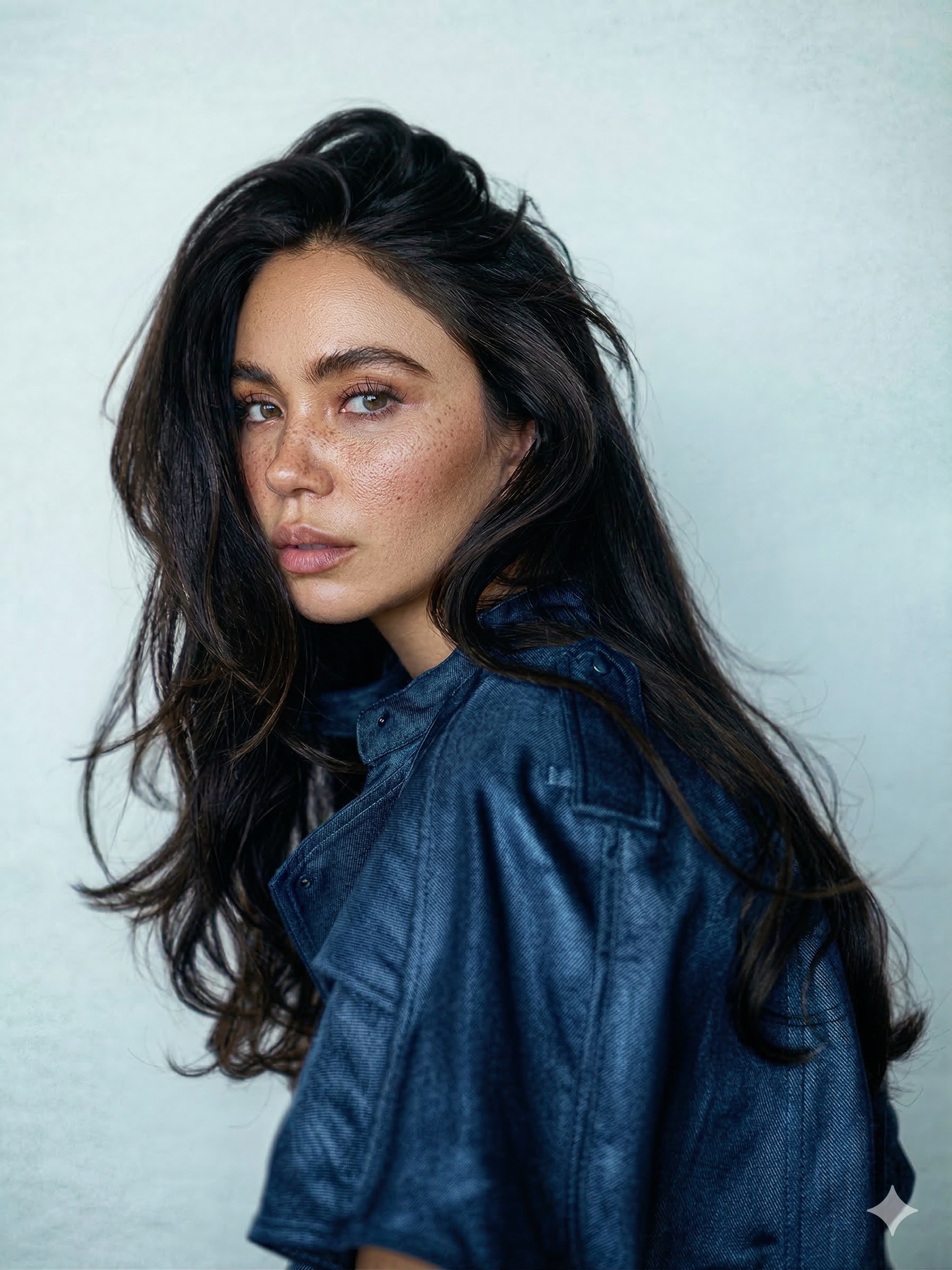 BEFORE
 AFTER · 30s
Short version: Lightroom is a fantastic photo editor and a limited retoucher. People asking this question usually mean "can I skip Photoshop?" - so here is the honest capability map.
What Lightroom CAN Do to Skin
- Heal isolated blemishes. The Healing tool (content-aware) removes a pimple, a stray hair, a small mark. A few per photo - fine.
- Light smoothing. People mask + negative Texture. The full method: how to smooth skin in Lightroom.
- Skin colour fixes. White balance, HSL and masked colour tweaks handle redness and warmth shifts reasonably well.
- Eyes and teeth. The built-in brushes brighten and whiten convincingly.
What Lightroom CANNOT Do
Everything below requires layers, and Lightroom has none. This is not a settings problem - it is the program architecture:
- Frequency separation - evening out blotchy tone while pores stay intact. This is THE core technique of natural skin retouching, and it is physically impossible in Lightroom. (What it is and how it works.)
- Dodge & burn - pixel-level light shaping for under-eye shadows, blotchy highlights, dimensional skin. Lightroom brushes are too broad.
- Heavy healing - a face with 30+ blemishes will smudge, repeat patterns, and slow the catalog to a crawl.
- True cloning and cleanup - fixing hairlines, complex backgrounds, fabric - Photoshop territory.
Capability Map at a Glance
| TASK | LIGHTROOM | NEEDS PHOTOSHOP |
|---|---|---|
| Heal 1-5 blemishes | Yes | - |
| Light overall smoothing | Yes (masked Texture) | - |
| Skin colour / redness | Yes (HSL, masks) | - |
| Eyes brighten / teeth whiten | Yes (brushes) | - |
| Even tone, keep pores | No | Frequency separation |
| Under-eye shadows, light shaping | No | Dodge & burn |
| Heavy healing (30+ spots) | Breaks down | Layer-based healing |
| Hero-shot finish | No | Full retouch (~30s with a plugin) |
So What Do Pros Actually Do?
They use the round-trip Adobe built for exactly this: edit the gallery in Lightroom, press Cmd/Ctrl+E on the frames that need real skin work, retouch in Photoshop, and the file lands back in the catalog. The skin work itself is either manual (frequency separation + dodge & burn, 15-45 minutes per portrait) or a brush-based plugin doing the same techniques in about 30 seconds.
Full disclosure: that plugin category is what I build - RetouchLab Skin Pro is a Photoshop plugin precisely because these techniques need Photoshop layers. There is no way to build it inside Lightroom, and anyone selling a "full Lightroom retouching plugin" is selling a smoothing slider with better marketing.
⚡ The step after Lightroom
One Cmd/Ctrl+E from your catalog: RetouchLab Skin Pro runs frequency separation, dodge & burn and tone evening in one brush - about 30 seconds per face, real pores kept - and the file returns to Lightroom automatically.
FREE 3 DAY TRIAL →The Rule of Thumb
If it is about the whole photo, Lightroom. If it is about the skin itself, Photoshop. Colour, exposure, mood, batch consistency - Lightroom every time. Tone evening, light shaping, serious cleanup - that is retouching, and retouching lives in Photoshop. More on the split: Lightroom vs Photoshop for skin retouching.
"Incredible tool! So happy I bought it. Skin retouching is incredibly good and much easier than other tools I’ve used. 100% recommend!"
Mantas Puhtėjavas · Adobe Exchange review
Frequently Asked Questions
Can you retouch skin in Lightroom?
Partly - it heals isolated blemishes, smooths lightly and fixes skin colour. Real retouching (texture-safe tone evening, dodge & burn, heavy healing) needs layers, which Lightroom does not have.
Why is there no frequency separation in Lightroom?
Frequency separation splits a photo into texture and tone layers - and Lightroom has no layer system. It is an architectural limit, not a missing feature you can enable.
How do I retouch skin in Lightroom Classic then?
Do the light work in Lightroom (heal spots, mask + negative Texture), and round-trip to Photoshop with Cmd/Ctrl+E for anything deeper. The edited file returns to your catalog automatically.
Does Lightroom have frequency separation?
No, and it cannot - frequency separation requires separate texture and tone layers, and Lightroom has no layer system. It is the main reason serious skin retouching happens in Photoshop.
Is Lightroom retouching good enough for client work?
For light cleanup and colour, yes. For hero shots - the images clients print and share - most professionals finish the skin in Photoshop, where tone can be evened without losing texture.
See it work → try the free live demo