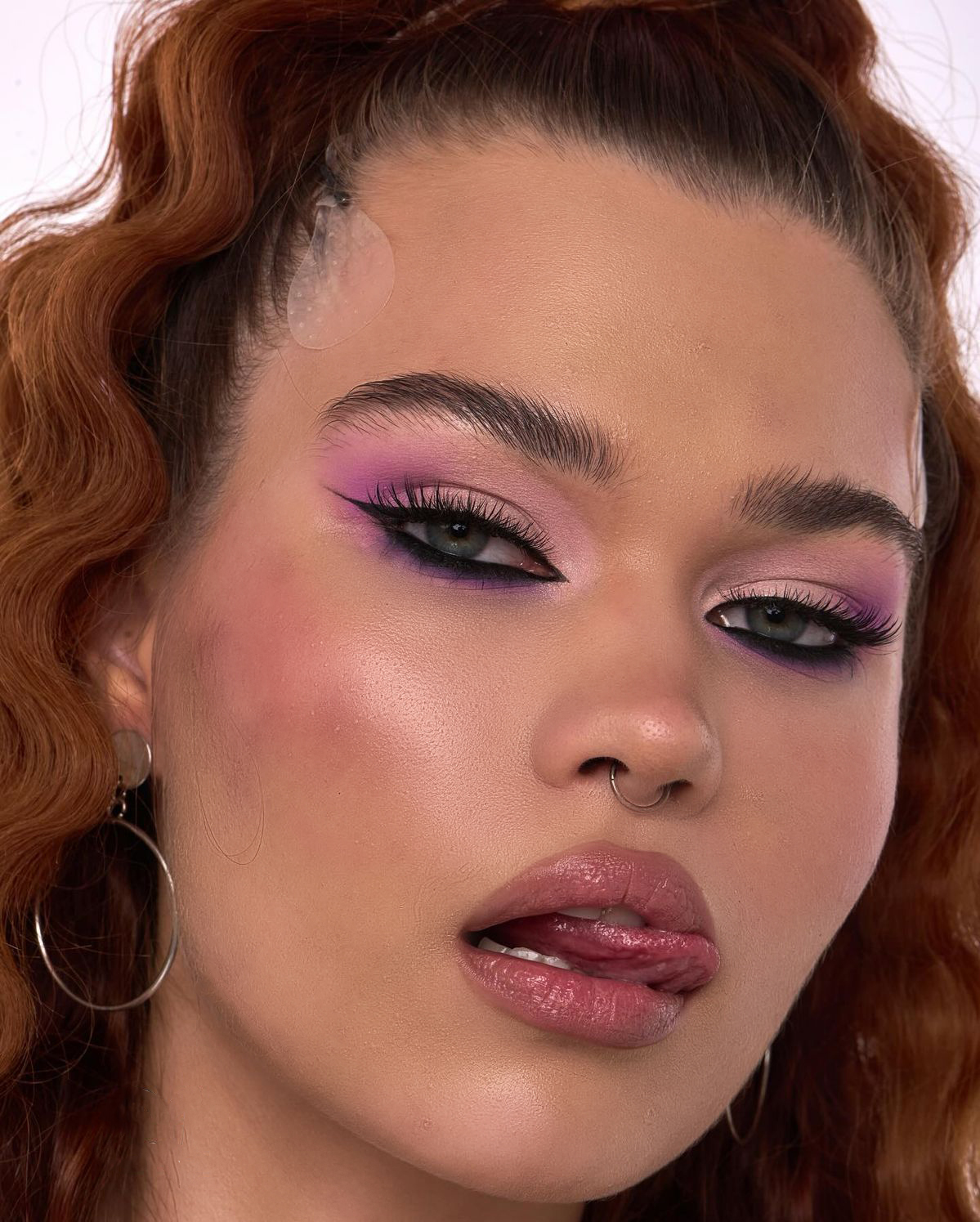
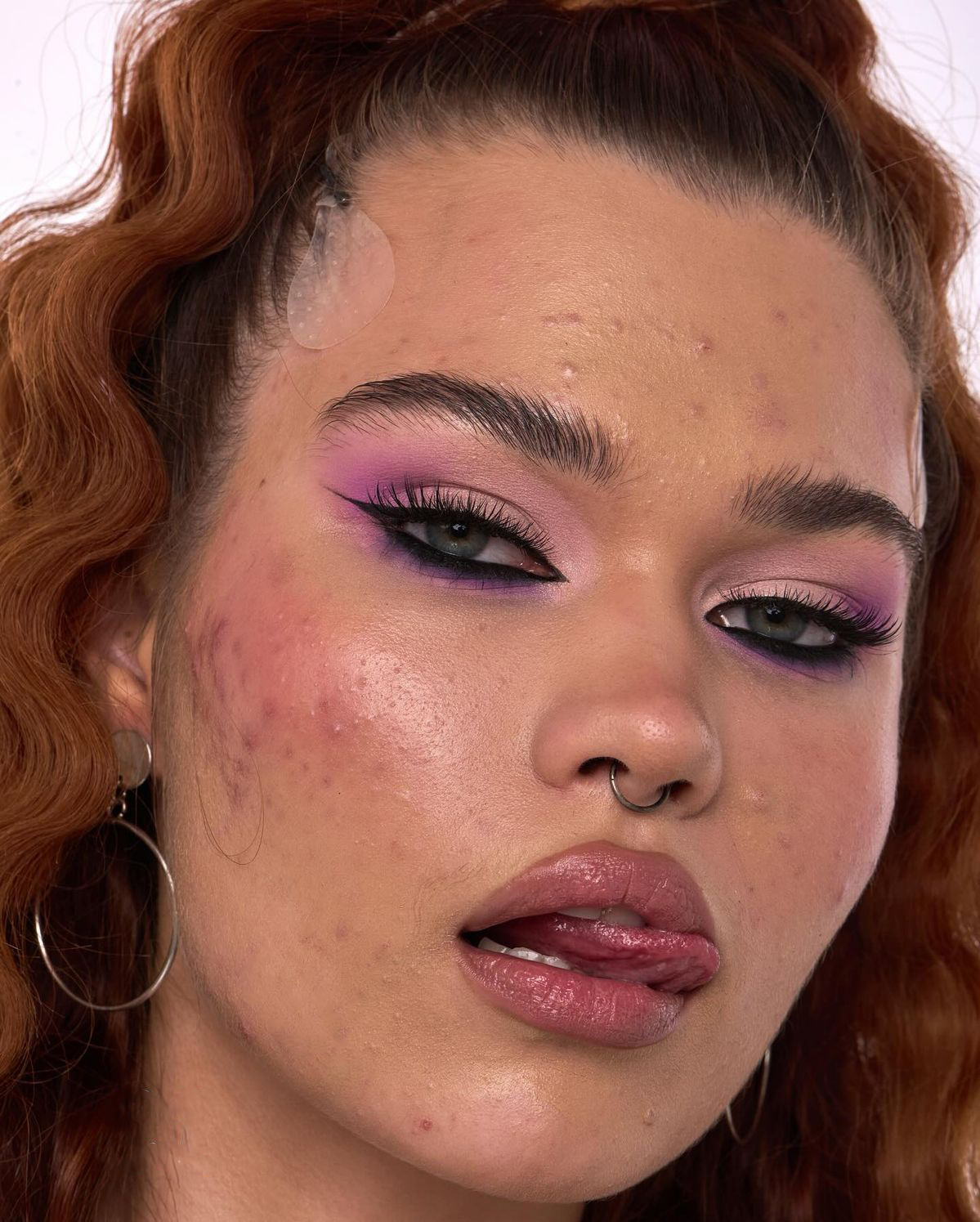
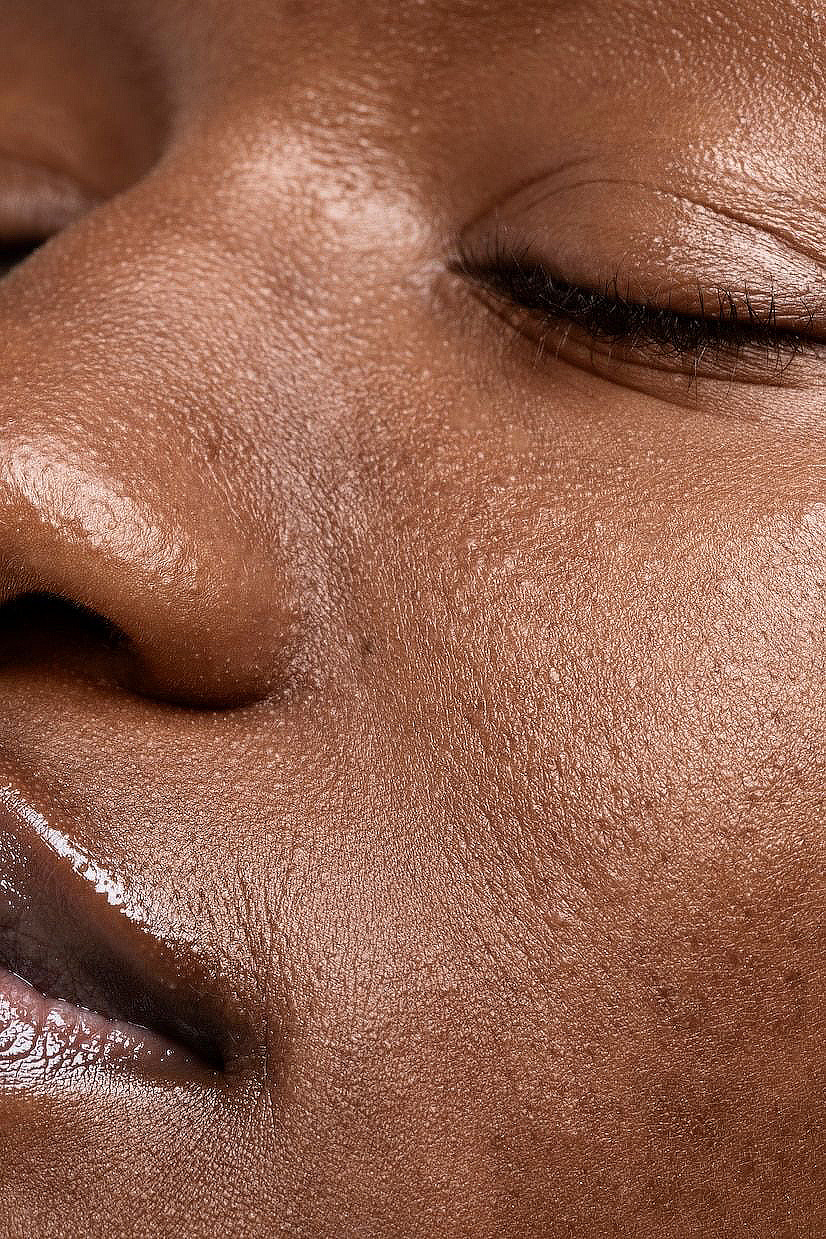
Profesionalus odos retušavimas JŪSŲ Photoshop'e. Vienas teptukas atlieka frequency separation + dodge & burn - tikra odos tekstūra išlieka, nors nuotrauką retušuojate 30 s.
30S RETUŠAVIMAS · RETOUCHLAB SKIN PRO
Spauskite atsisiuntimo mygtuką viršuje.
Dukart spustelėkite failą - jis įsidiegs automatiškai per Adobe Creative Cloud.
Photoshop → Plugins → Skin Pro (trial). Atidarykite nuotrauką, spauskite Run Retouch ir braukite teptuku ten, kur norite natūraliai retušuotos odos.
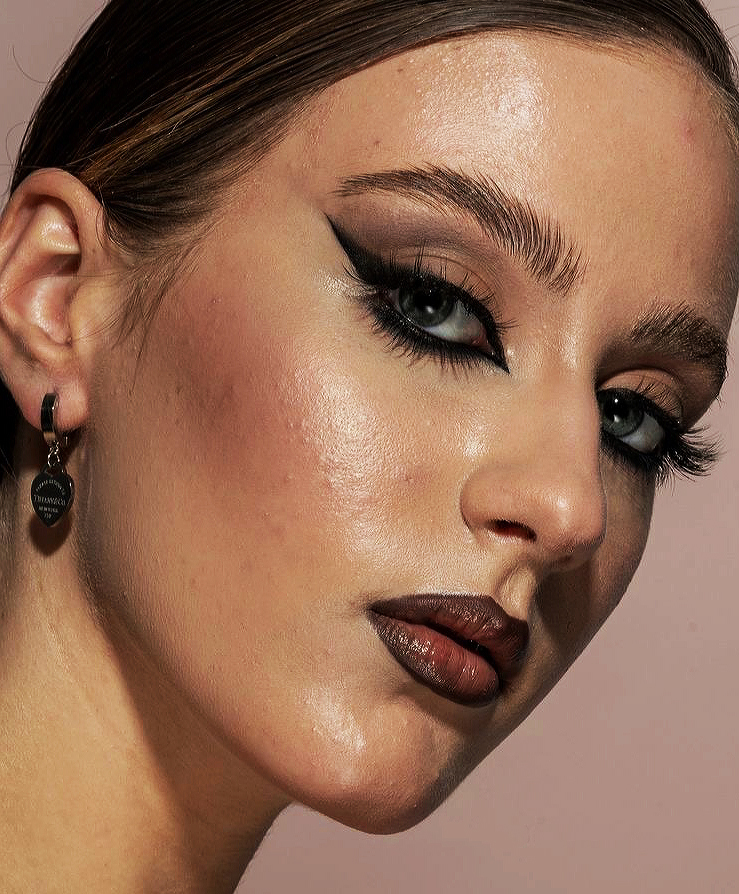
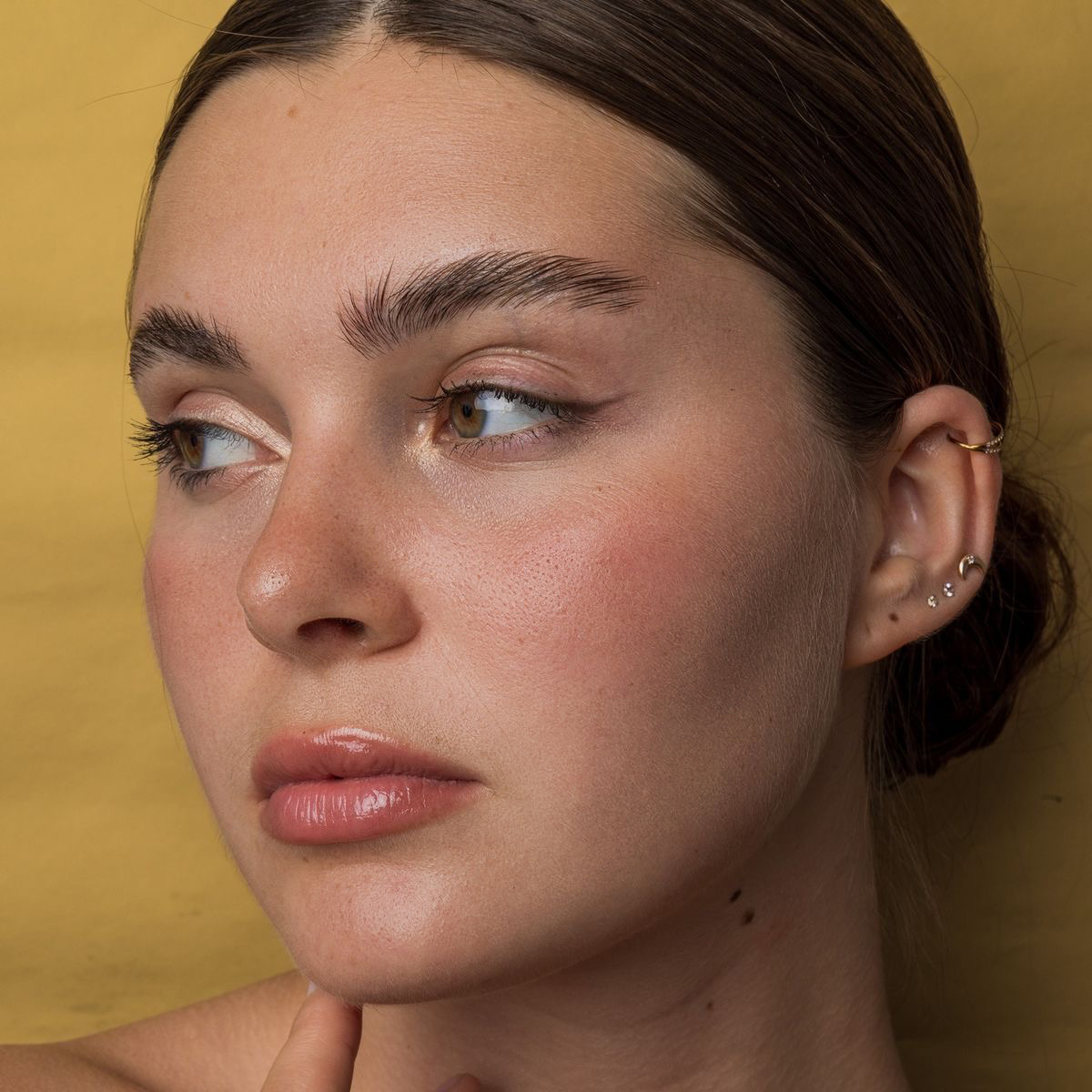
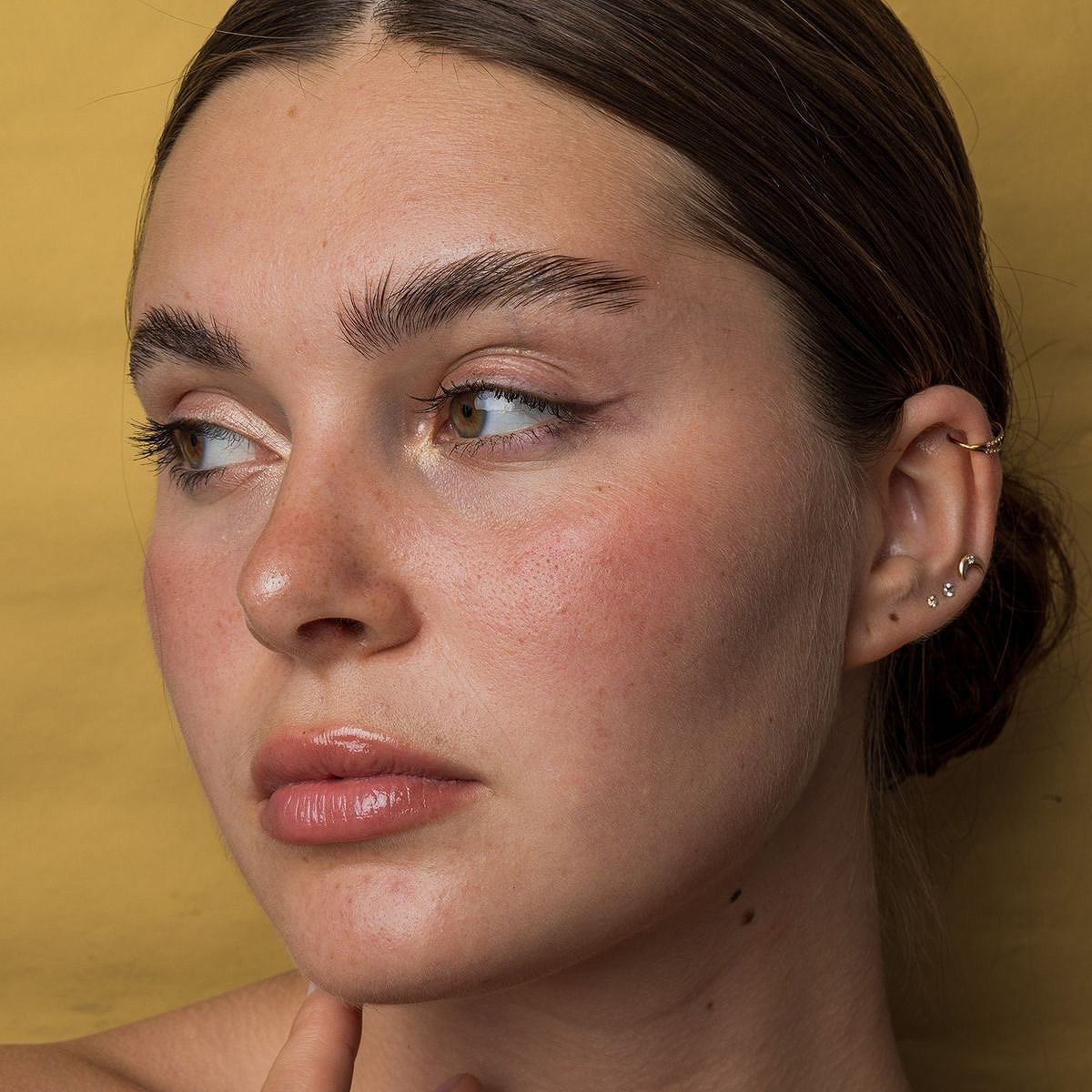
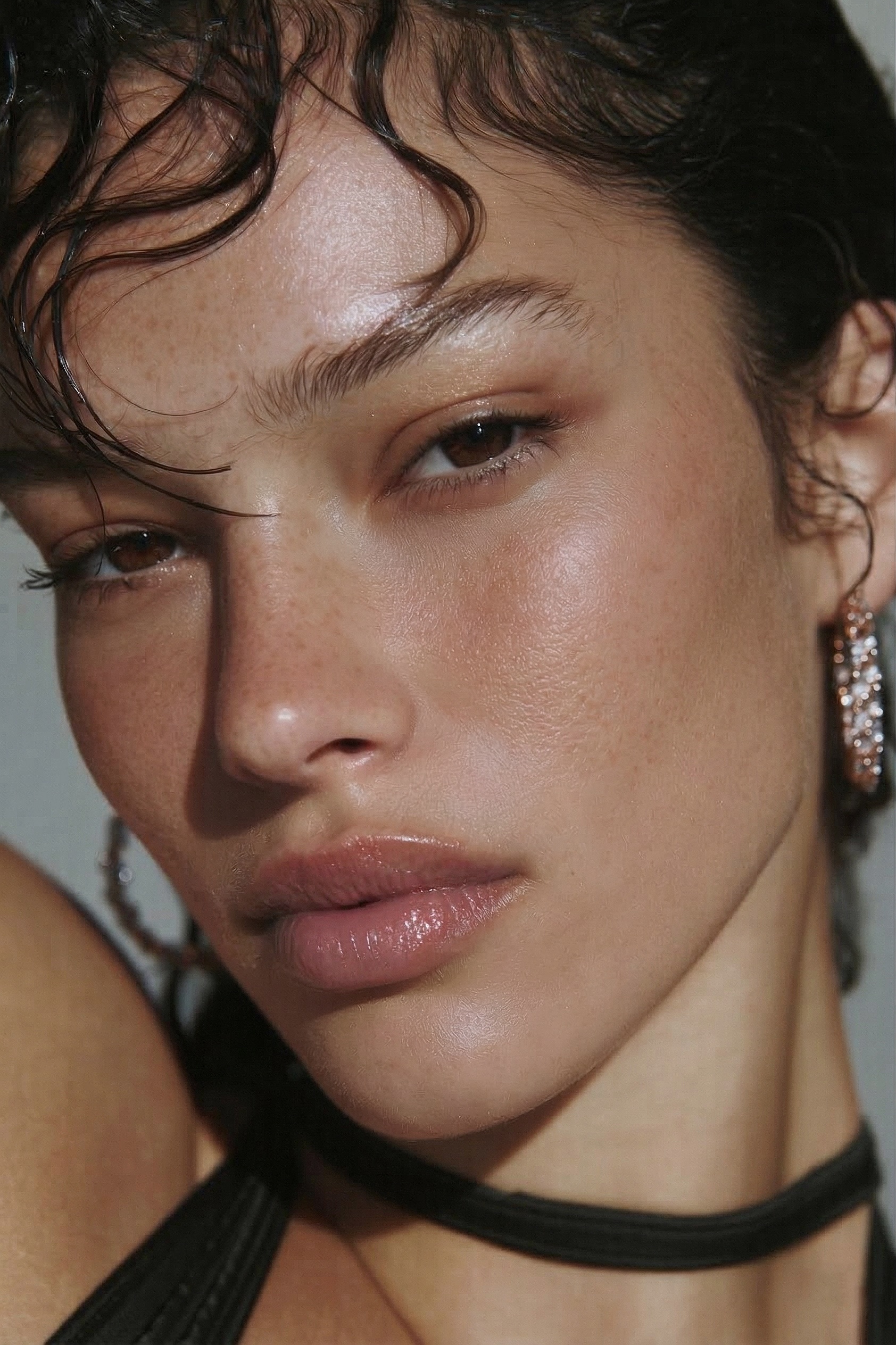
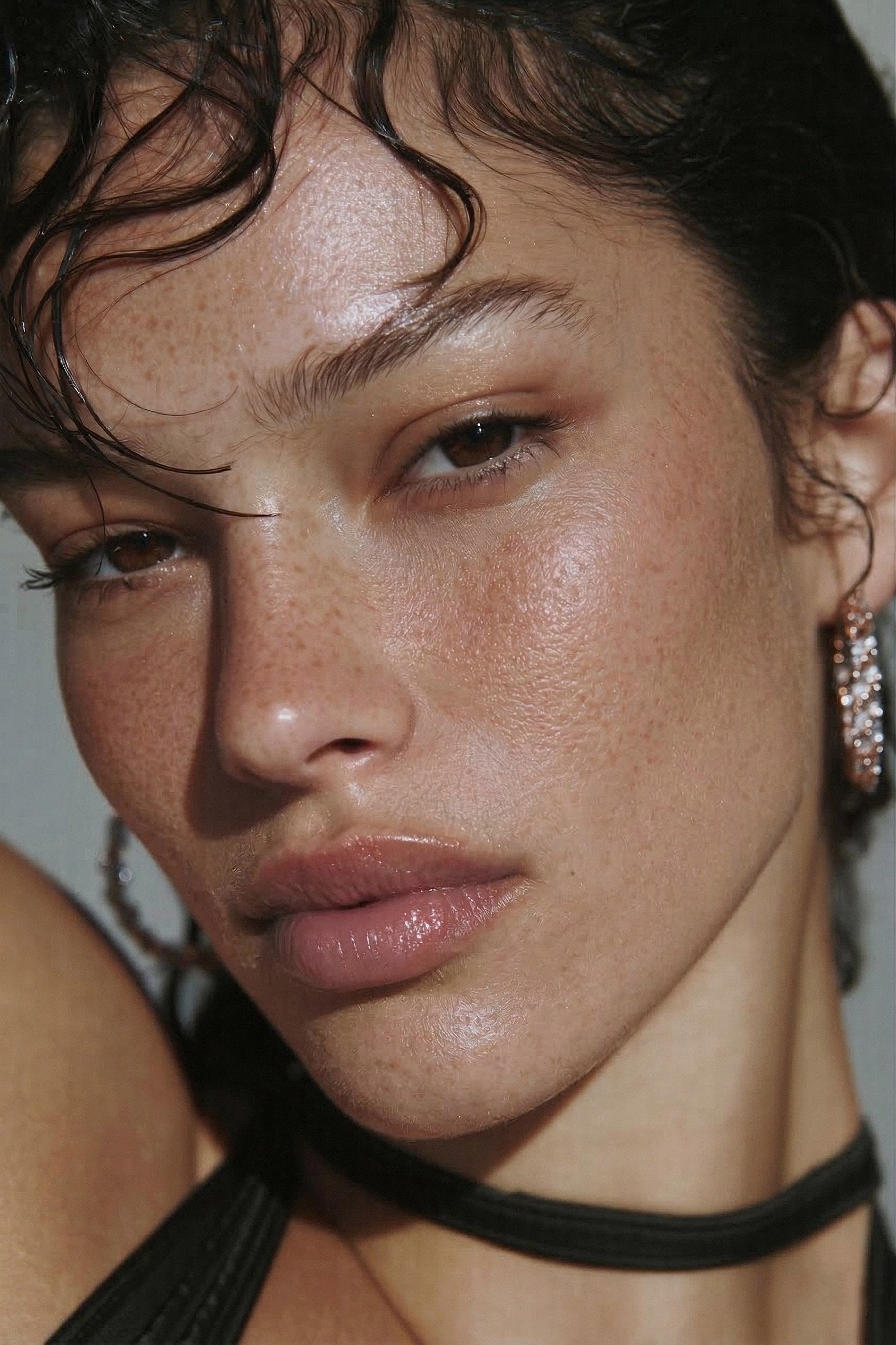
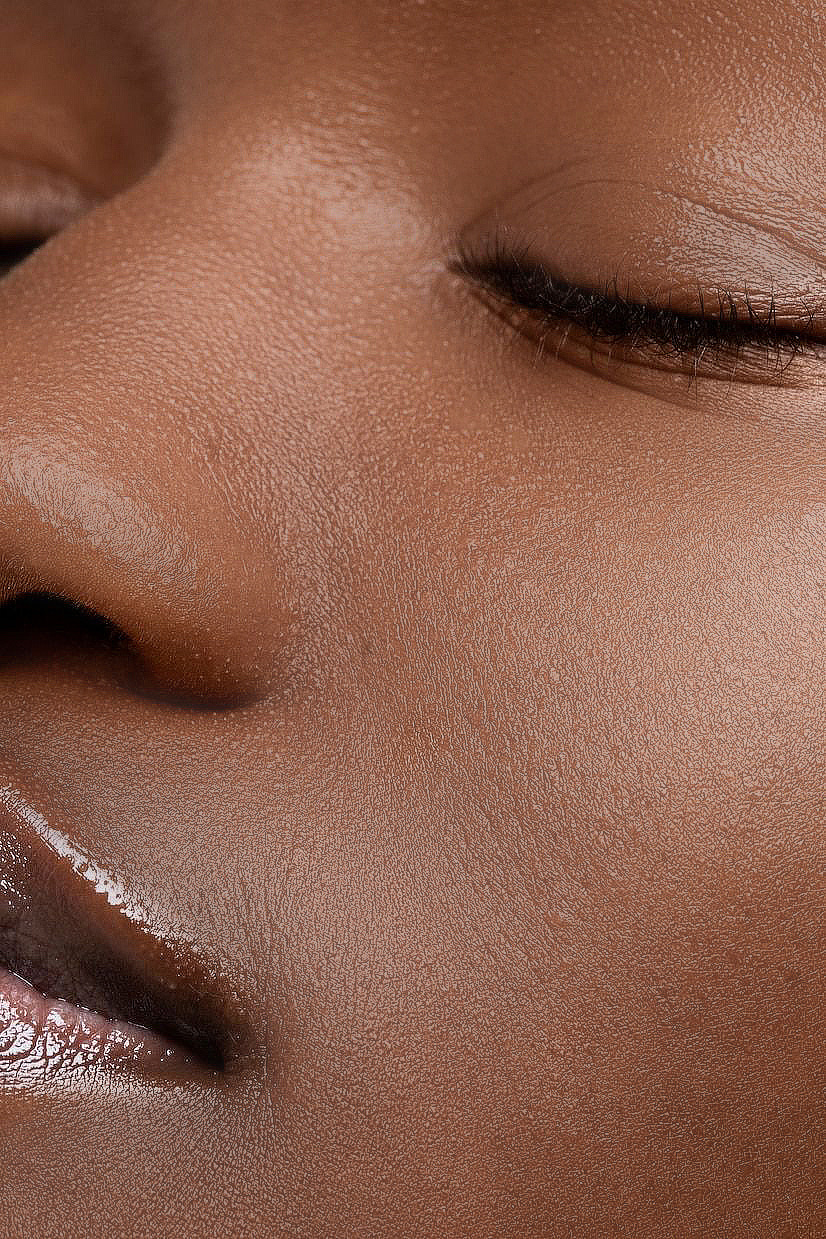
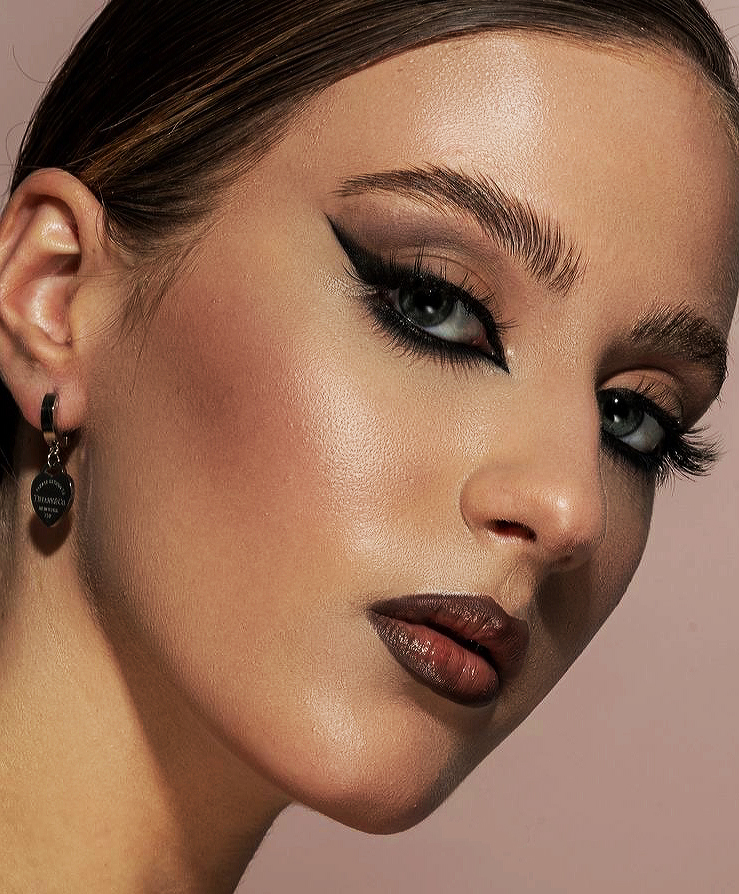
Tikri RetouchLab rezultatai - tik mūsų sukurtas teptukas, nieko daugiau.
Išlygina odą išsaugant natūralią tekstūrą - jokio plastikinio AI efekto.
Išlygina odos tonus vienu potėpiu.
Automatiškai sumažina raudonį, dėmėles ir netolygią spalvą.
Pilna kontrolė. Reguliuokite parametrus bet kada - prieš, per ir po retušavimo, nereikia pradėti iš naujo.
Pieškite tiksliai ten, kur norite. Spauskite X, jei norite ištrinti. Kas retušuojama veido odoje sprendžiate Jūs, o ne AI.
Profesionalus retušavimas per akimirką. Puikiai tinka dideliems nuotraukų kiekiams ar pradedantiesiems.
I'm obsessed with how much time this tool saves me. I genuinely enjoy the retouching process, but when you're working with a large batch of photos, it can quickly become overwhelming and repetitive. This tool makes it so much easier. Absolutely love it - highly recommend!
A great tool that speeds up the retouching process. It's easy to control the strength of the effects, which helps maintain natural skin texture. It's convenient that after finishing work with this plugin, the mask layer remains available, allowing you to make additional adjustments if needed.
Incredible tool! So happy that I bought it! Skin retouching is incredibly good and now it's much easier than I had used other tools. 100% recommendations!
Great time saver tool that gives you full control of the amount of retouching you want. Super easy to adjust the levels of frequency separation, dodge & burn and smoothing needed while being able to recover details and keeping the real skin texture.