FREE 3-DAY TRIAL

Try Skin Pro
free for 3 days

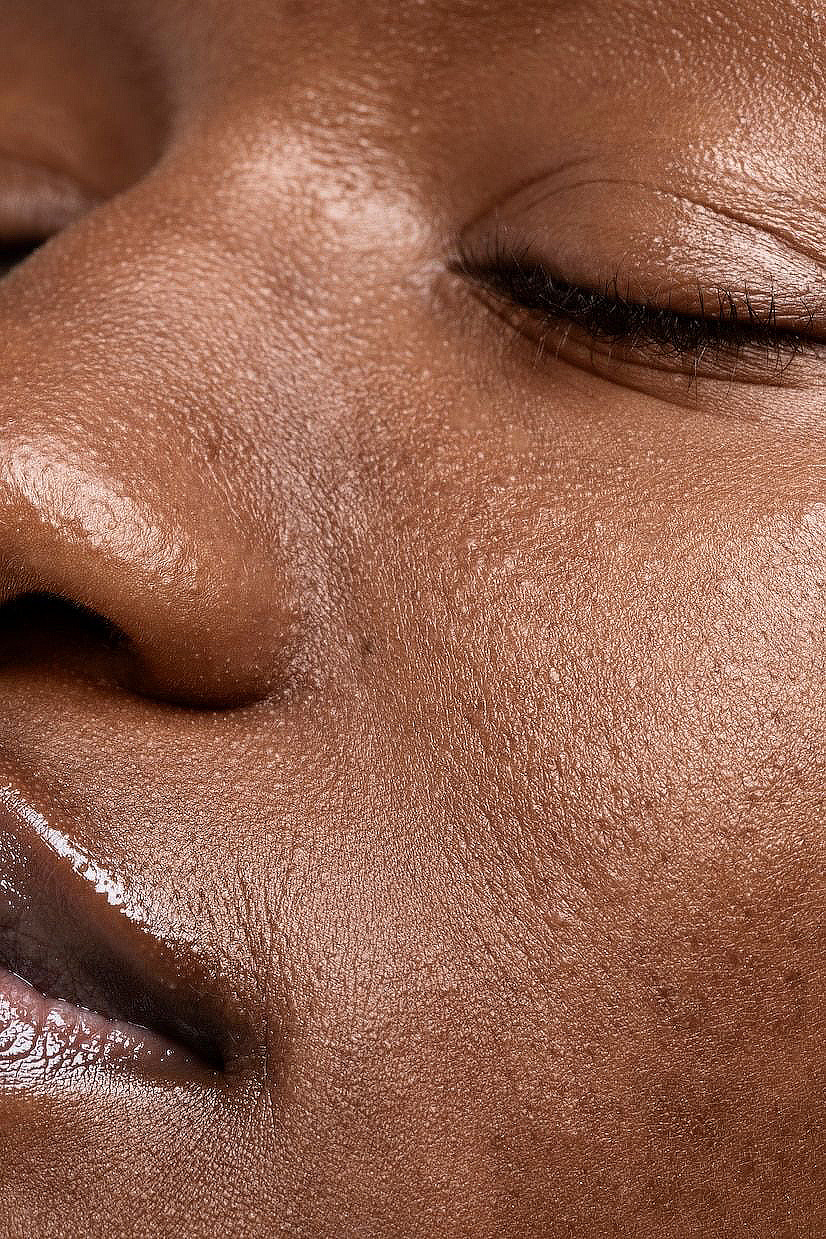
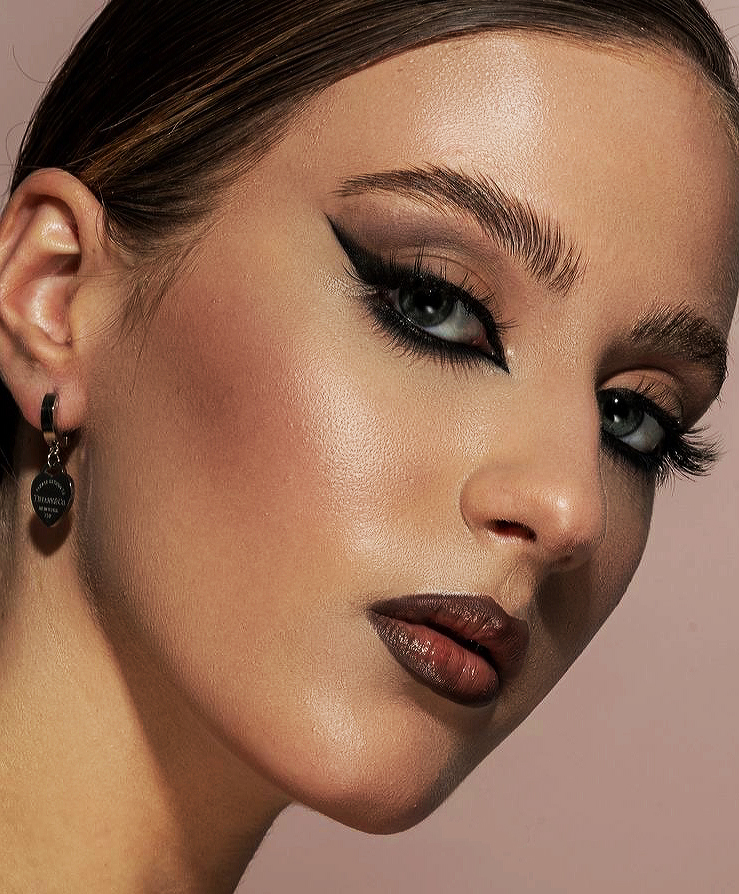
Professional skin retouching right inside Photoshop. One brush does frequency separation + dodge & burn + tone evening — real skin texture, about 30 seconds a photo.

DOWNLOAD FREE TRIAL Photoshop 2022+ · Windows & macOS
✓ Full plugin, all features ✓ 3 days free ✓ No card, no signup
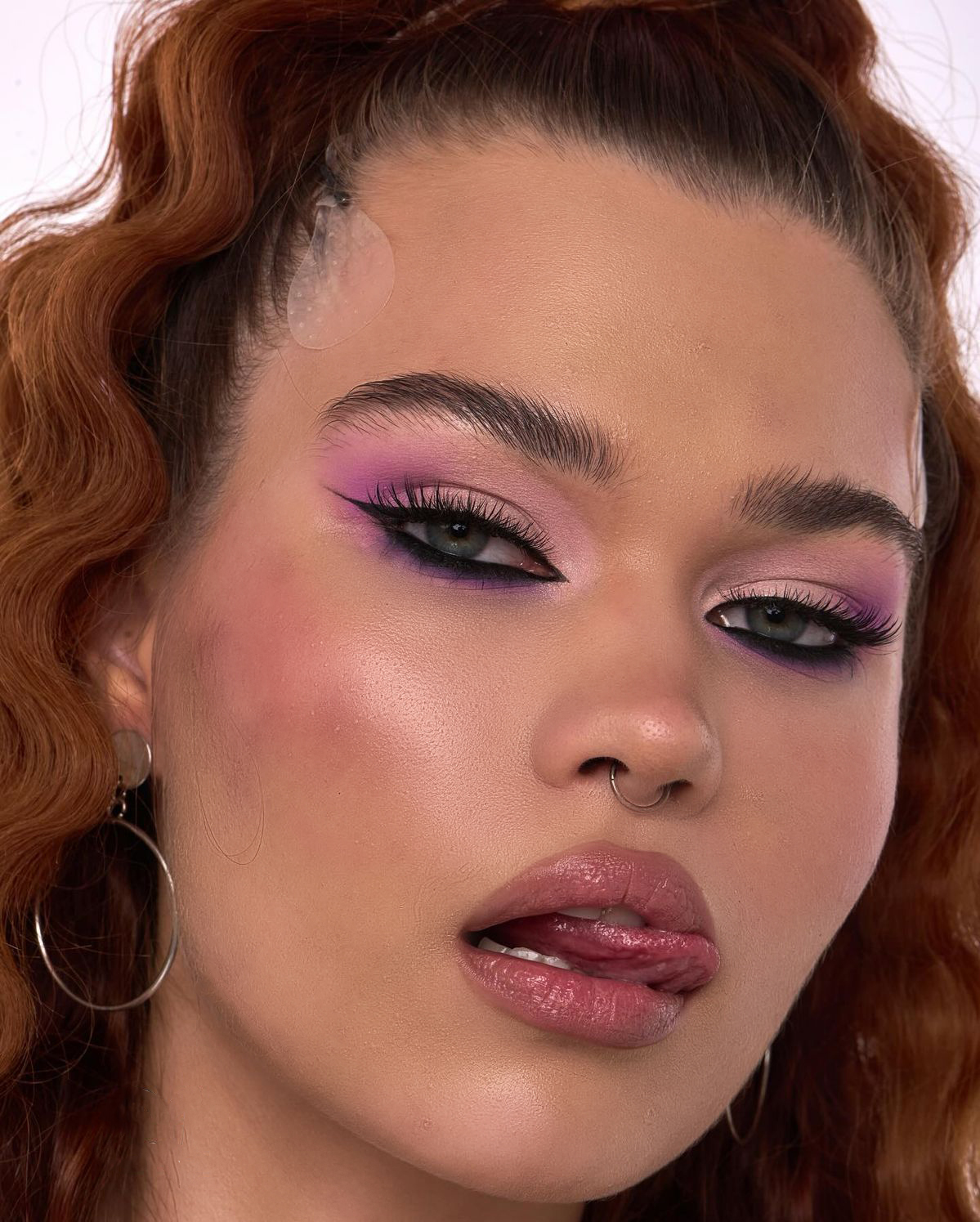
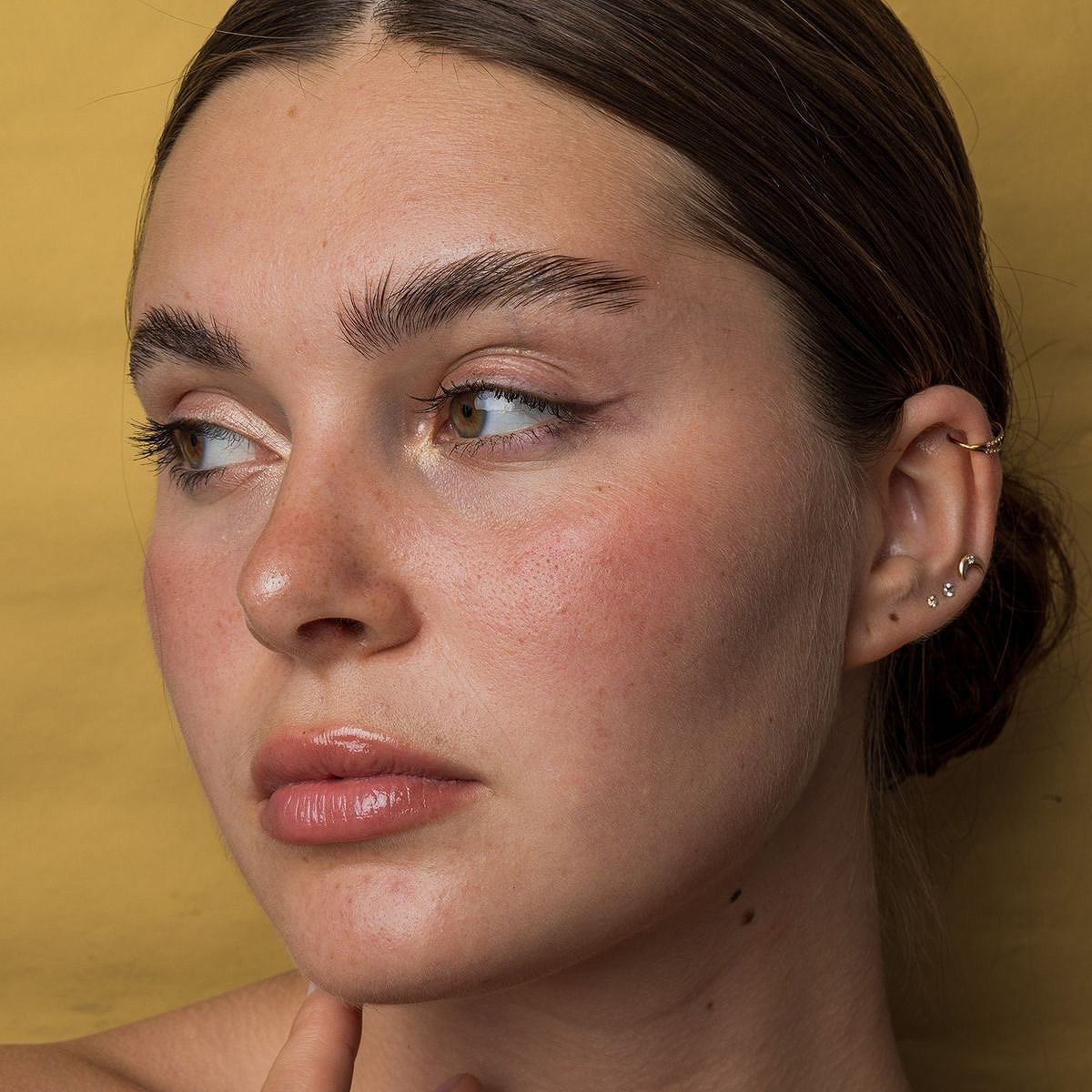
Portrait after skin retouching with RetouchLab Skin Pro
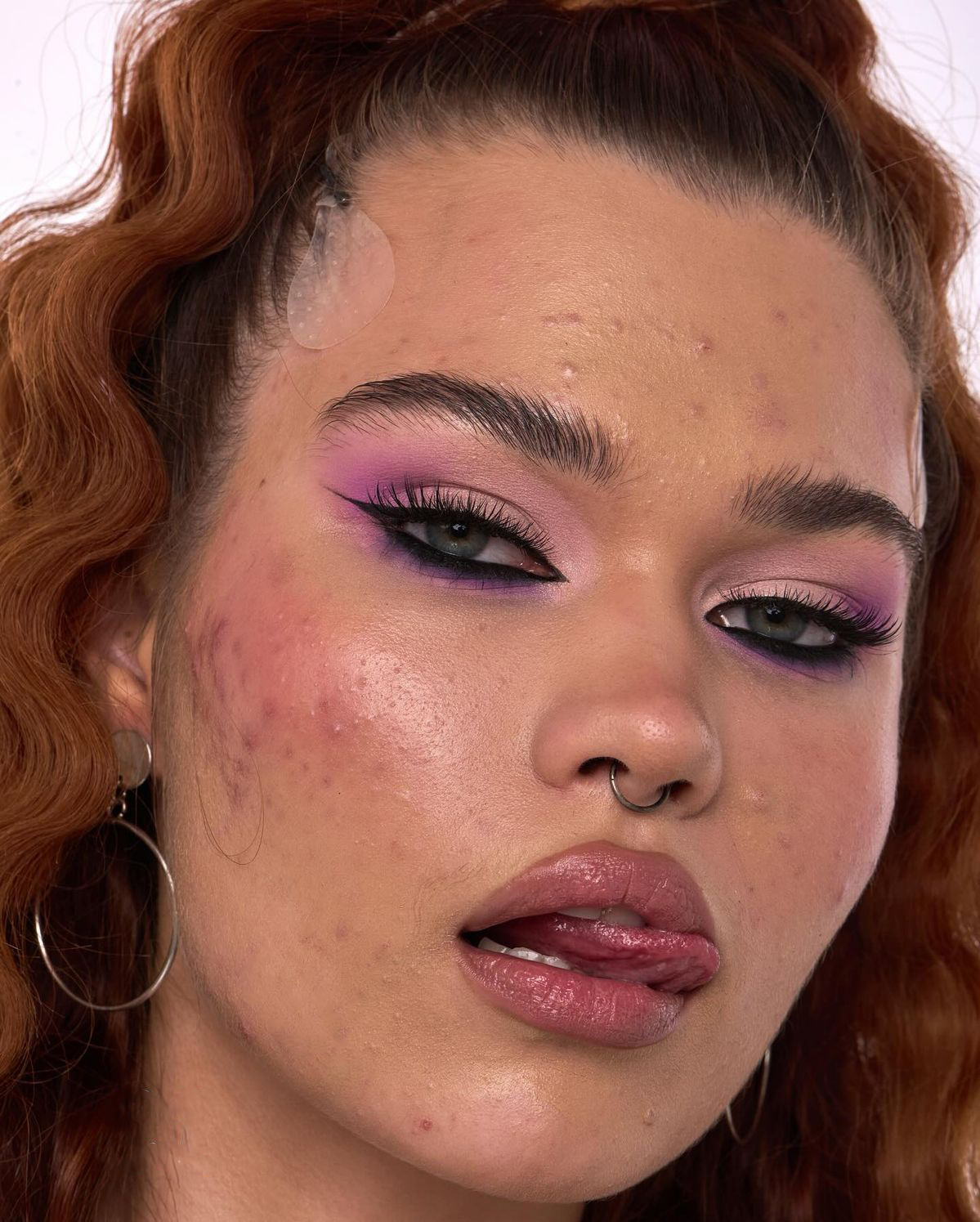
Portrait before skin retouching
◄ ►
BEFORE AFTER

DRAG TO COMPARE · RETOUCHLAB SKIN PRO
• HOW TO INSTALL

1 MINUTE. 3 STEPS.

01

Download the file

Click the download button above. You'll get a .ccx file — that's the plugin installer.

02

Double-click to install

Double-click the file — it installs automatically through Adobe Creative Cloud. Done.

03

Open & retouch

Photoshop → PluginsSkin Pro (trial). Open a photo, hit Run Retouch, and paint.

• REAL RESULTS

Before / After

Portrait after retouching
Portrait before retouching
◄ ►
BEFORE AFTER
1. Flawless skin
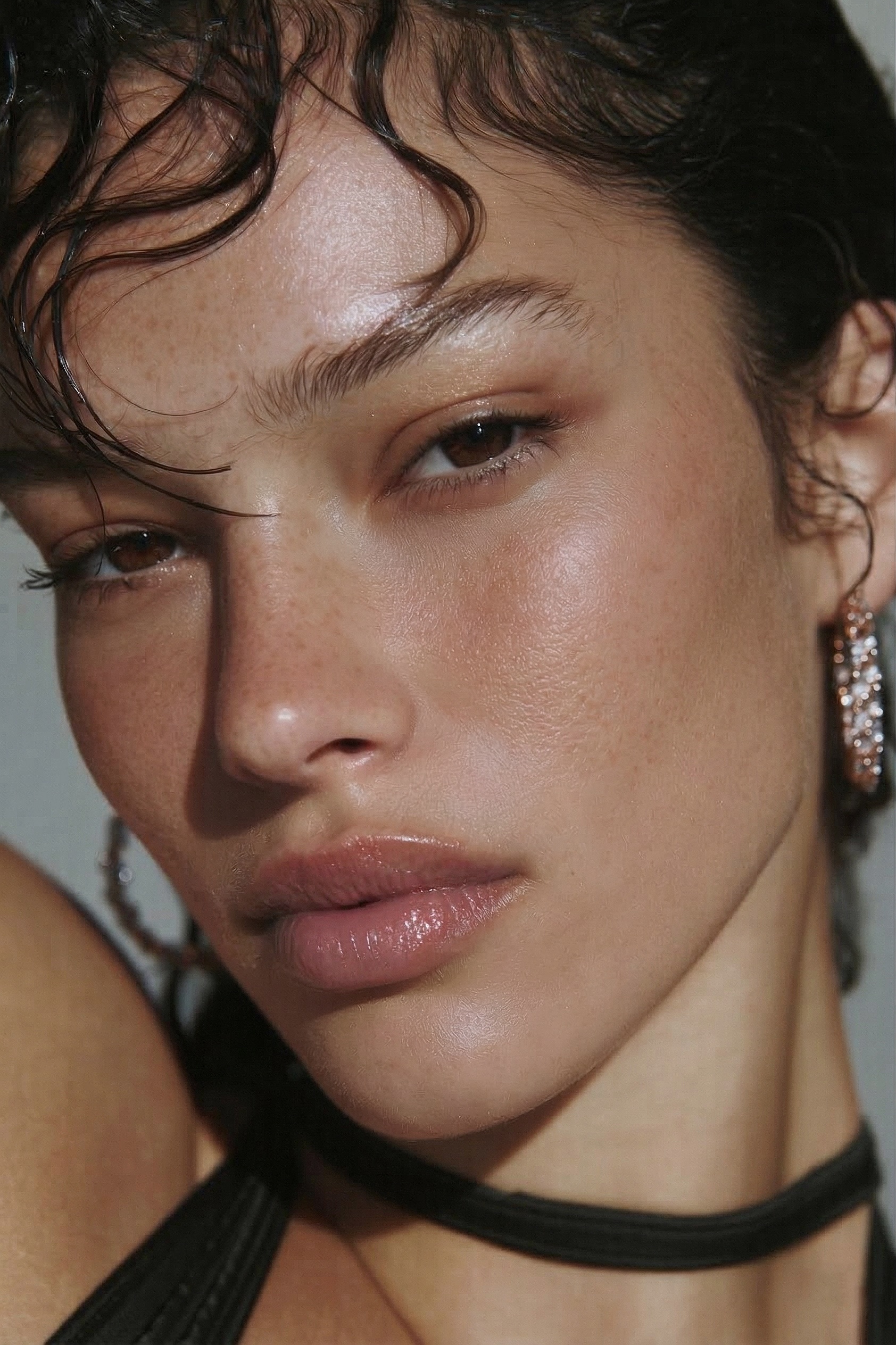
Portrait after retouching
Portrait before retouching
◄ ►
BEFORE AFTER
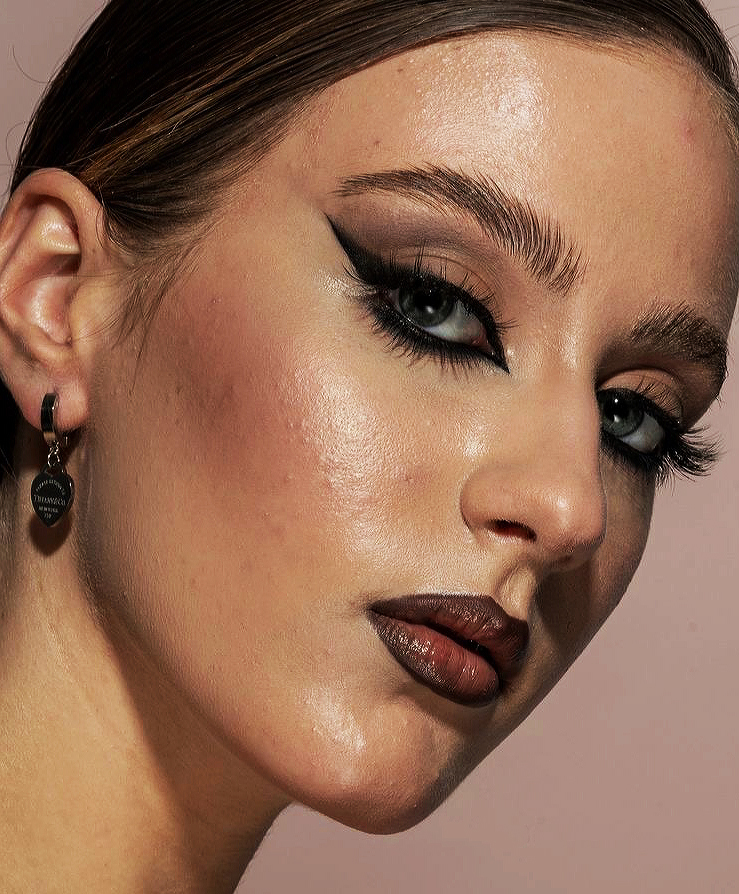
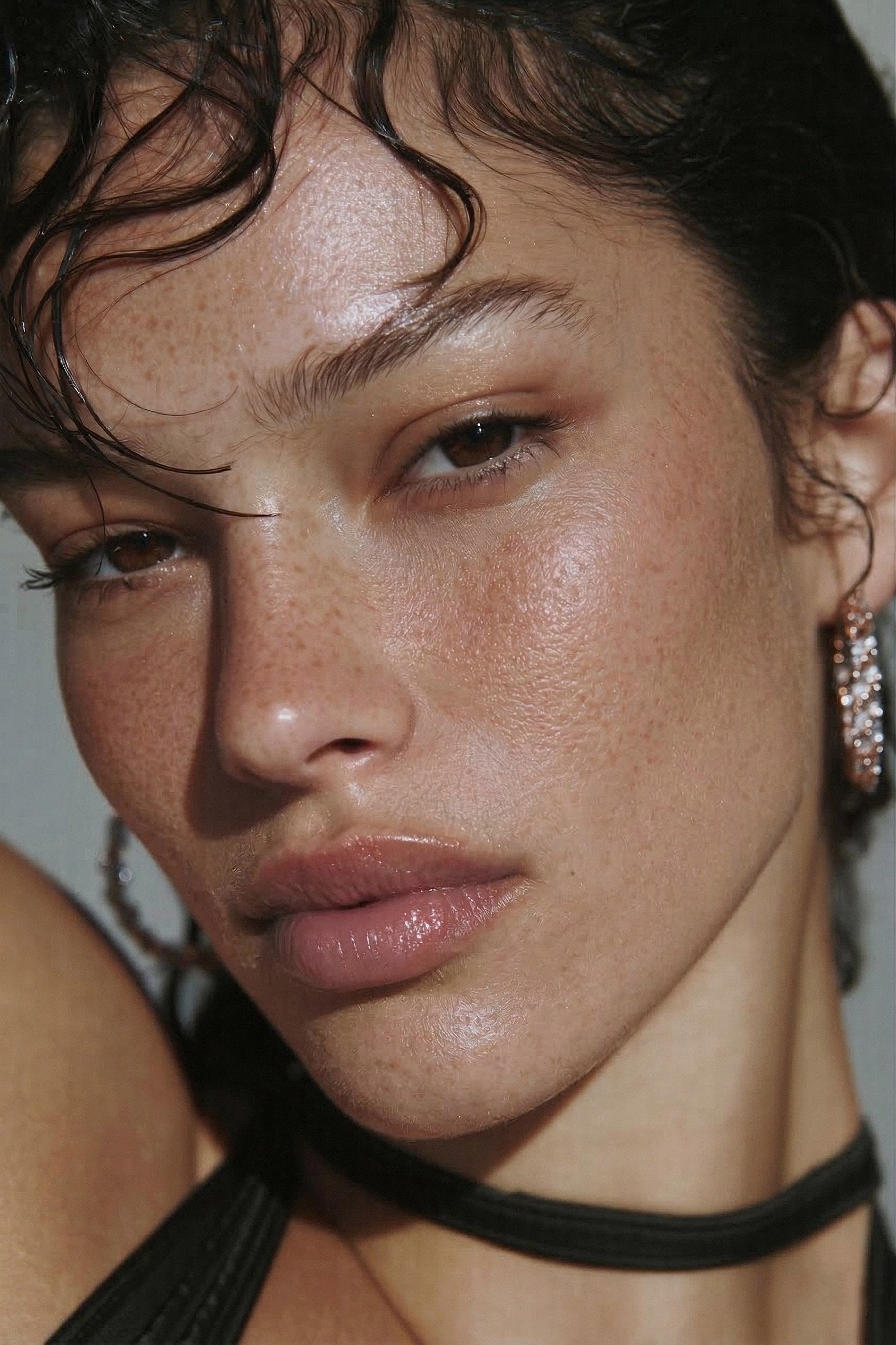
2. Natural texture preserved
Portrait after retouching
Portrait before retouching
◄ ►
BEFORE AFTER
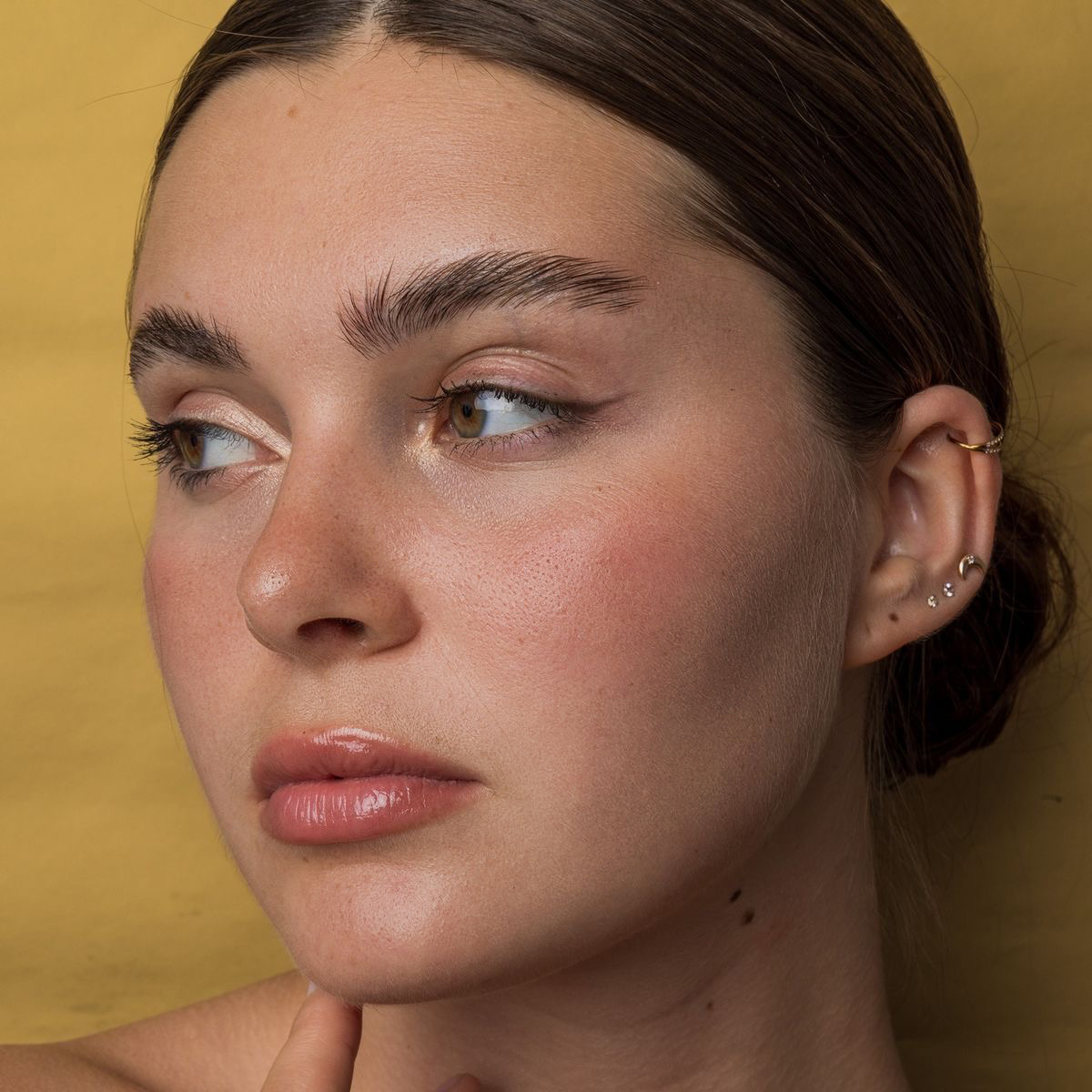
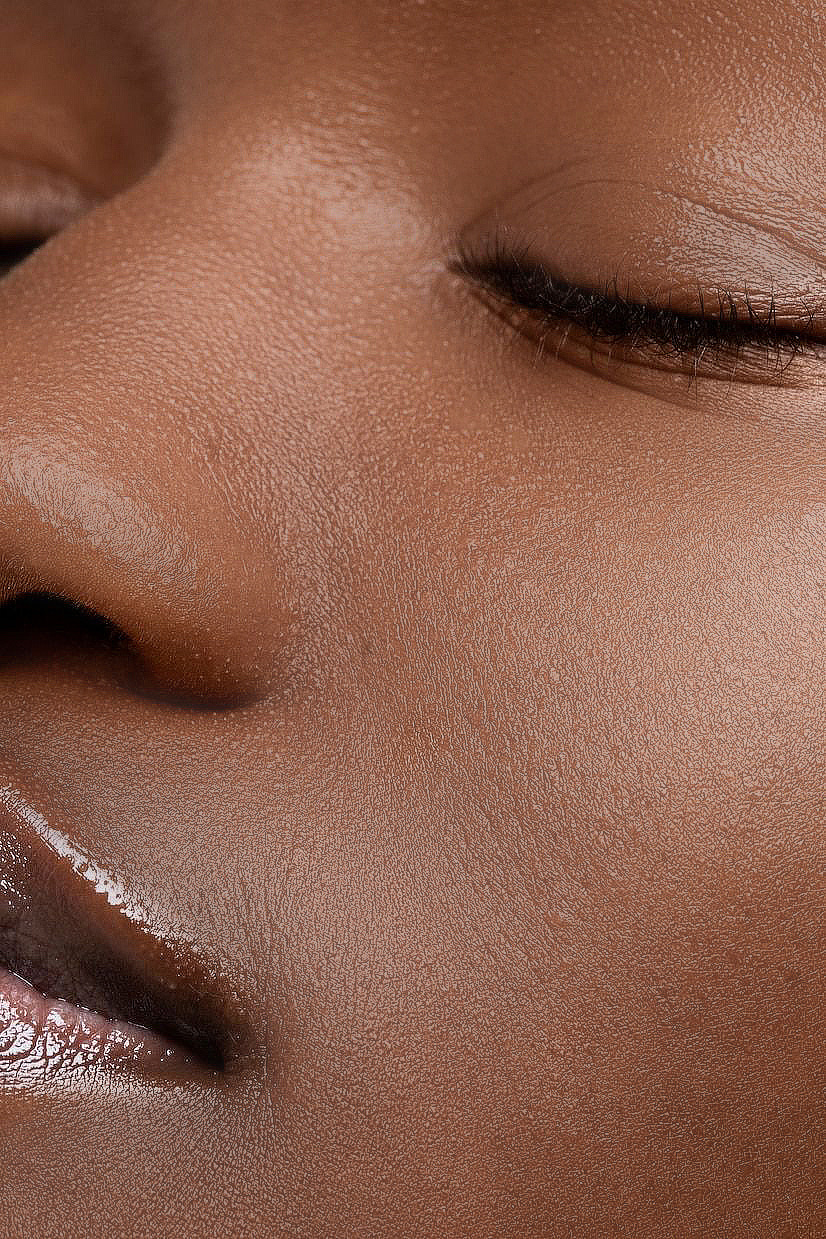
3. Works on any skin type
Portrait after retouching
Portrait before retouching
◄ ►
BEFORE AFTER
4. Batch-friendly speed

Real results from RetouchLab — just the brush, nothing else. Drag the slider to compare.

• WHAT'S IN THE TRIAL

THE FULL PLUGIN. EVERY FEATURE.

Frequency Separation

Smooth skin while keeping real pores and texture — not the plastic AI look.

Dodge & Burn

Even out skin tones and light in the same stroke. No manual layer setup.

Tone Evening

Reduce redness, blotchiness, and uneven color automatically.

7 Adjustable Parameters

Full control over every aspect. Adjust sliders anytime — no need to start over.

Brush-Based Control

Paint exactly where you want. Press X to erase. You decide what gets retouched.

30 Seconds Per Portrait

Pro-level retouching in a fraction of the time. Batch-friendly for event work.

After 3 days the trial ends and the plugin locks. Love it? Keep going with the full version — one-time payment, no subscription.

• WHAT PHOTOGRAPHERS SAY
★★★★★ 5.0 · Verified Adobe Exchange reviews
★★★★★

Obsessed with this tool

I'm obsessed with how much time this tool saves me. I genuinely enjoy the retouching process, but when you're working with a large batch of photos, it can quickly become overwhelming and repetitive. This tool makes it so much easier. Absolutely love it - highly recommend!

Migle Aleksiunaite · Version 1.0.3
Adobe Exchange · April 2026
★★★★★

Great tool

A great tool that speeds up the retouching process. It's easy to control the strength of the effects, which helps maintain natural skin texture. It's convenient that after finishing work with this plugin, the mask layer remains available, allowing you to make additional adjustments if needed.

Augustinas Žukovas · Version 1.0.2
Adobe Exchange · March 2026
★★★★★

Incredible tool!

Incredible tool! So happy that I bought it! Skin retouching is incredibly good and now it's much easier than I had used other tools. 100% recommendations!

Mantas Puhtėjavas · Version 1.0.3
Adobe Exchange · March 2026
★★★★★

Real time saver

Great time saver tool that gives you full control of the amount of retouching you want. Super easy to adjust the levels of frequency separation, dodge & burn and smoothing needed while being able to recover details and keeping the real skin texture.

Jomile Kazlauskaite · Version 1.0.2
Adobe Exchange · March 2026

Ready to keep it?

Get RetouchLab Skin Pro — one-time payment, yours forever. No subscription.

GET SKIN PRO — FROM €39 →